The whole flow.
In one Mac app.
Home, sources, compose, queue, and publish history — one workspace for the entire path from idea to shipped post. Companion apps are available for iPhone and iPad.
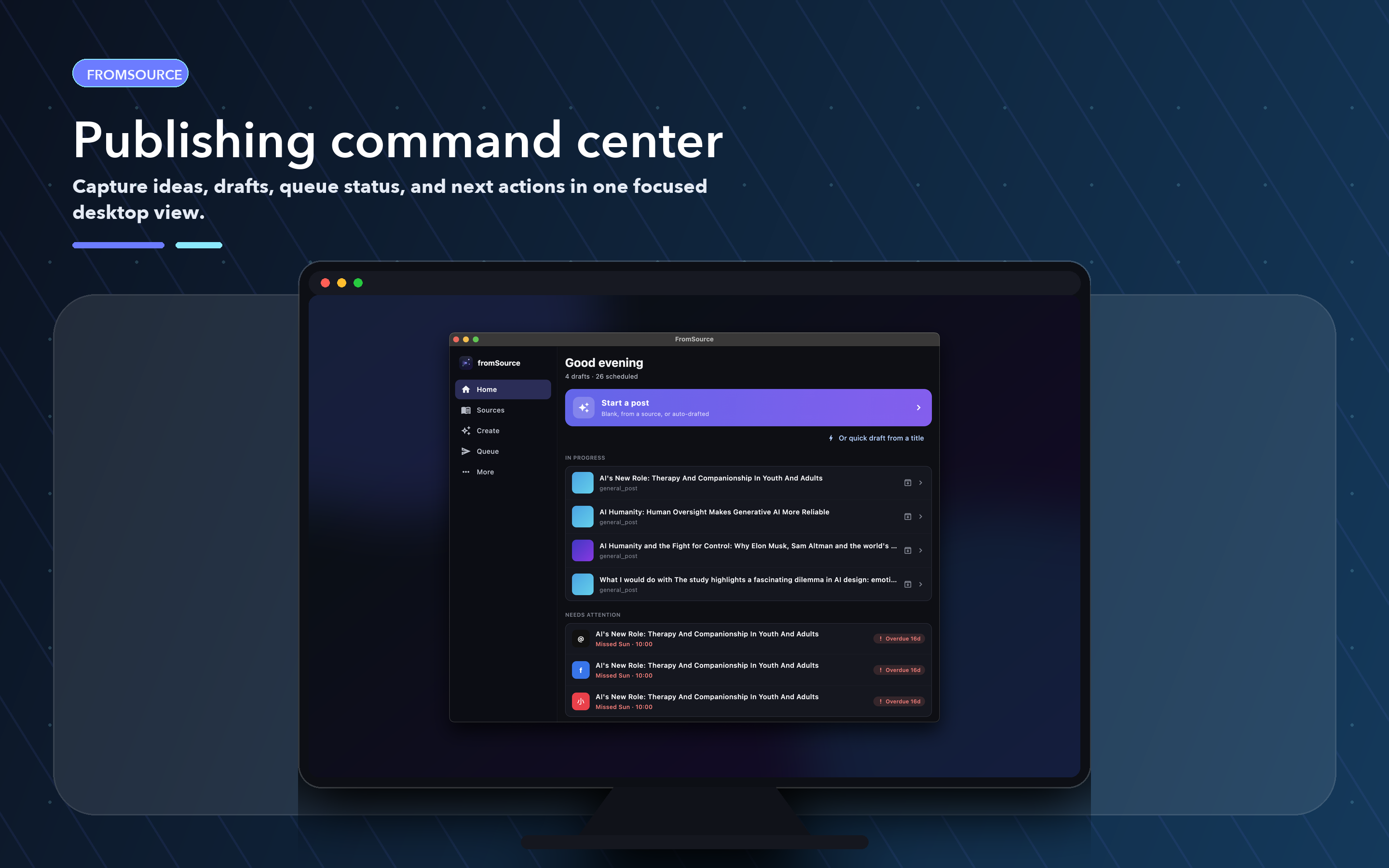
Every post you're working on, in one place.
Home is the command center. Start a post, jump back into a recent note, or pick up whatever is queued next — without switching tools or losing context.
- Start a post lives at the top of Home so a new idea is one click away
- Recent notes keep raw material next to the drafting flow
- Queued items show what's scheduled and what needs attention today
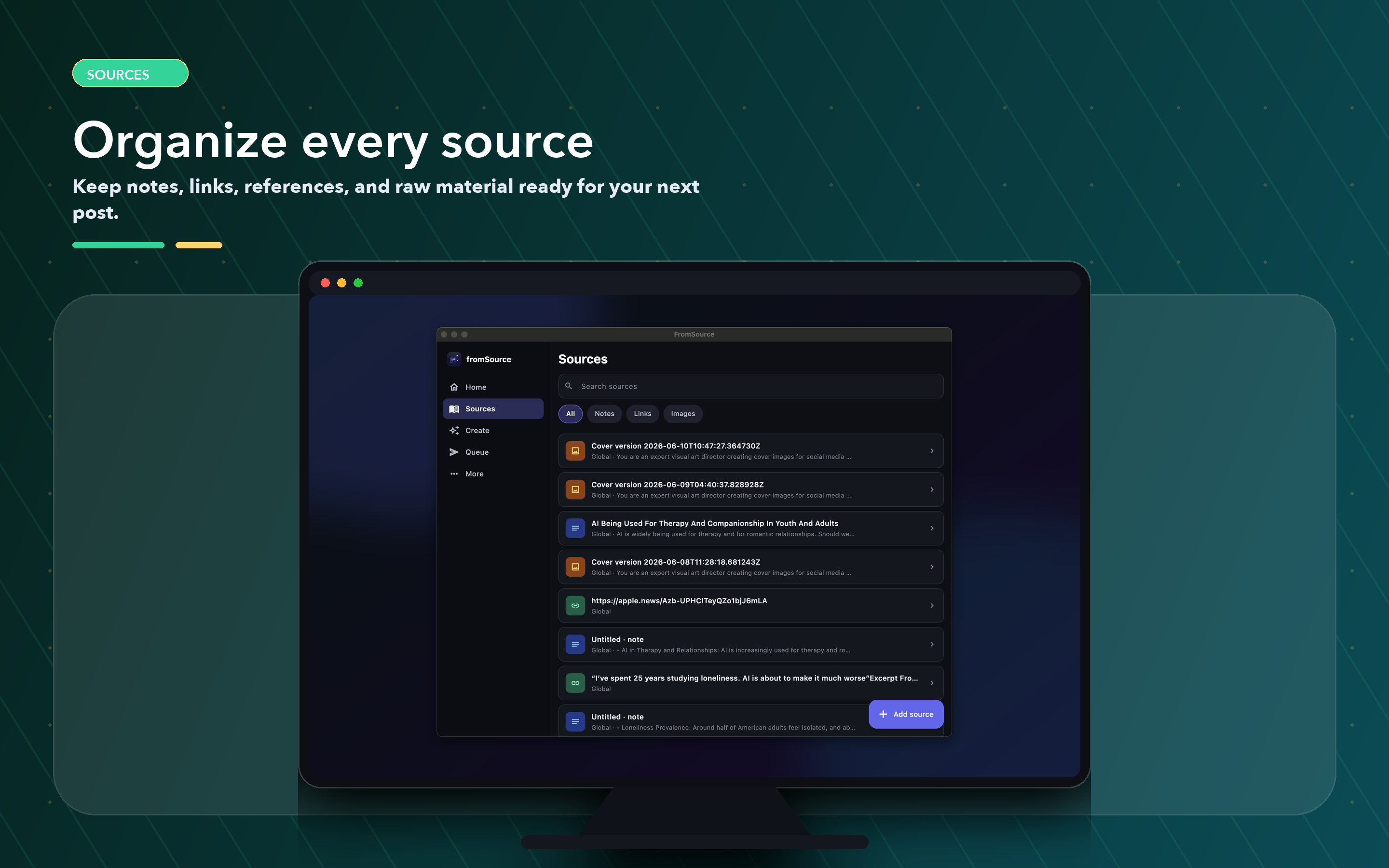
Organize every idea, note, link, and image.
Sources is where raw material lives before it becomes a post. Save from your Mac, the iPhone or iPad Share Sheet, or Android share intents — then filter, scope, and reuse.
- Seven source types: URL, note, snippet, image, video, audio, file
- Filter tabs for Notes, Links, and Images — search across everything
- Scope each source to global, project, or post so context stays clean
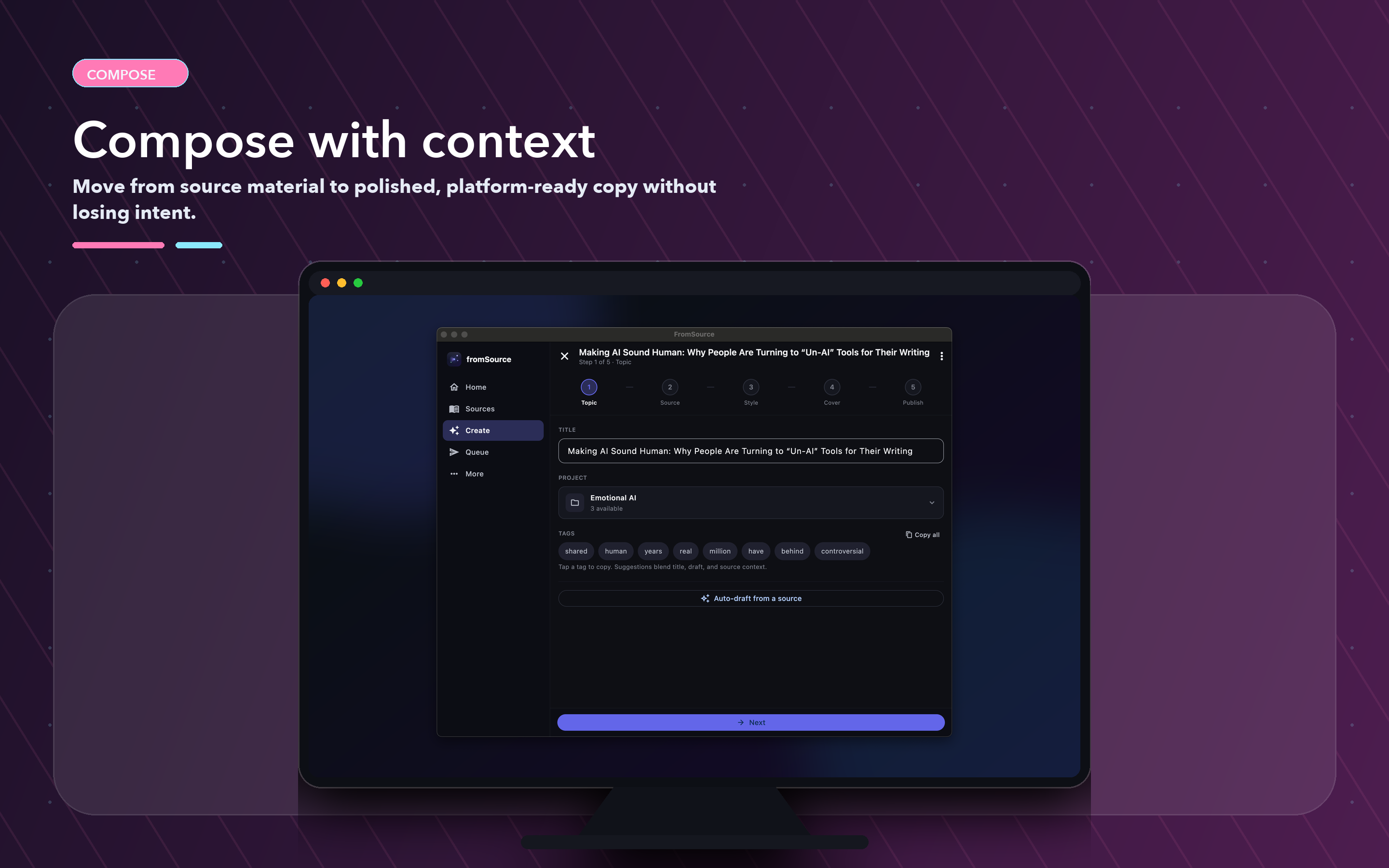
Idea → Draft → Style → Humanize.
Compose walks a canonical draft through every stage of the flow — with your sources on the side, your style profile applied, and a humanize pass to strip AI tells before variants are generated.
- Auto-draft from a source turns saved material into a first canonical draft
- Polish + humanize passes tune tone and remove flat AI phrasing
- Cover images generated inline — prompt, negative prompt, or reference image, saved as versions on the post
- Content-type awareness (
general_post,coding_guide,ai_tool_guide) shapes structure
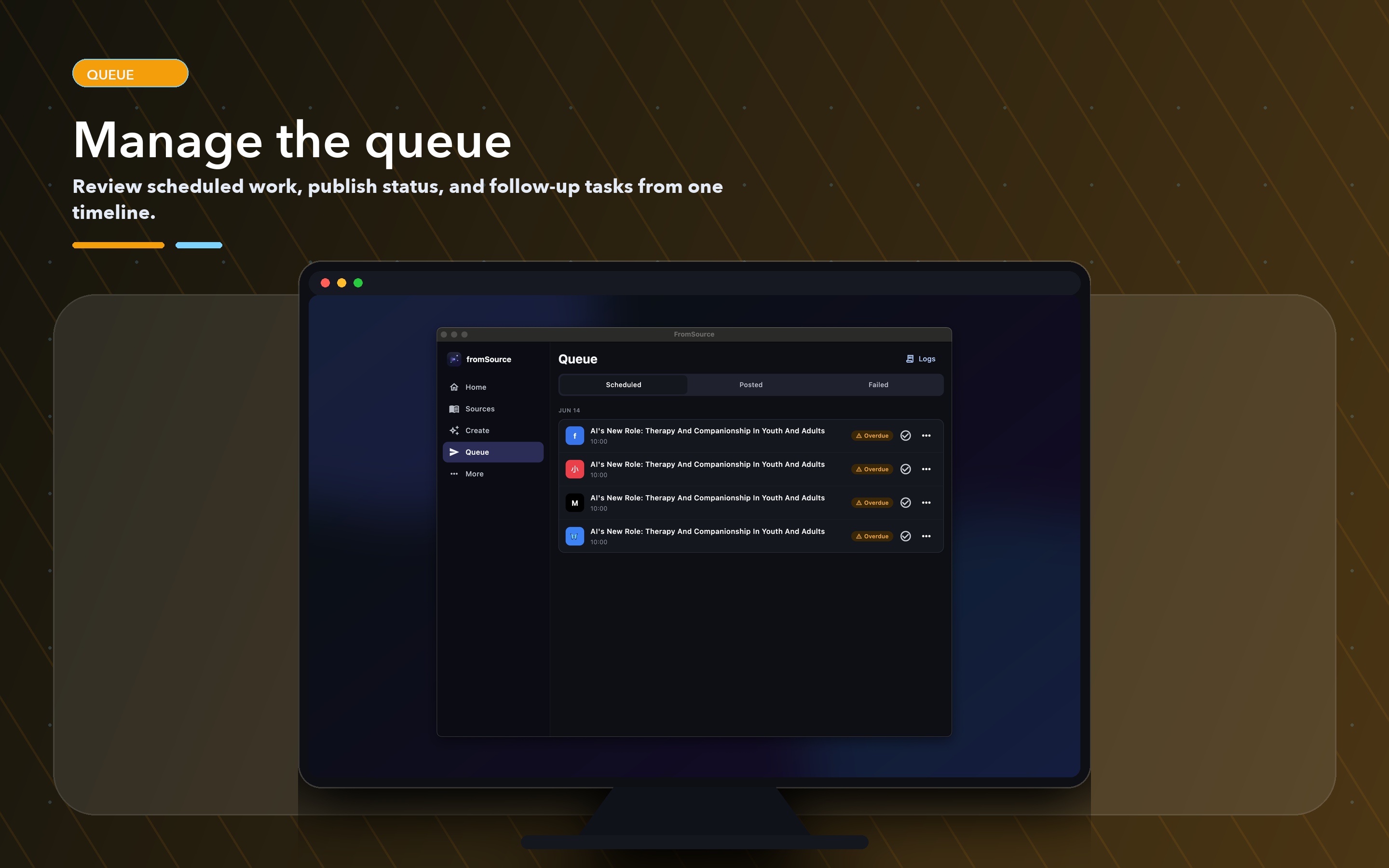
Manage every scheduled post from one timeline.
Queue holds every variant lined up for publication across every platform. Post now, reschedule, or cancel — all from one view instead of eleven separate tabs.
- Scheduled / Posted / Failed tabs surface what needs attention
- Queue a single variant, or a whole bundle with auto-staggered timing
- Assisted publish opens the platform composer with the text and cover pre-copied
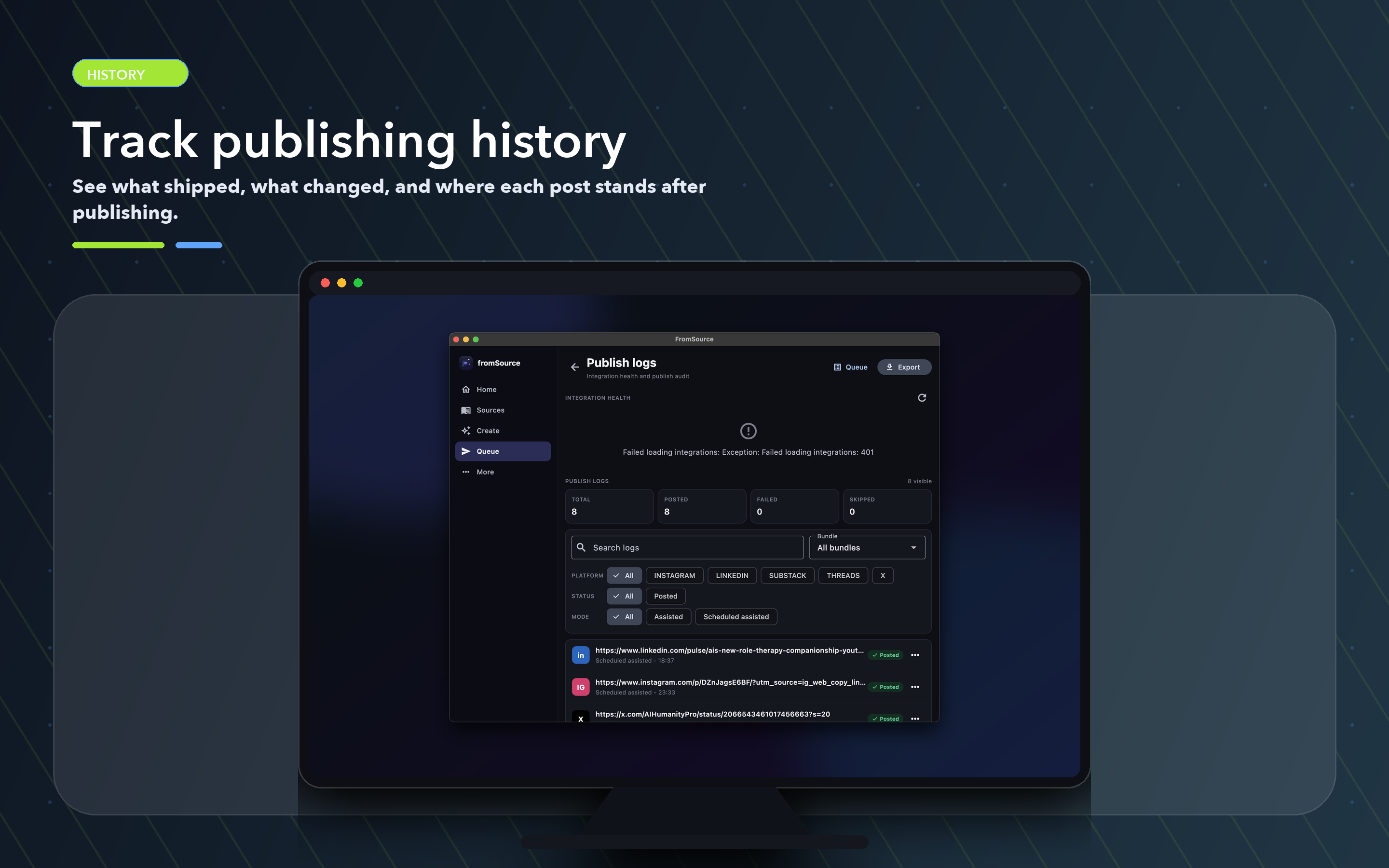
See what shipped, where, and how it landed.
Every publish gets logged with platform, status, and a link back to the live post. Analytics roll it all up so you can see coverage, integration health, and per-platform performance in seconds.
- Integration health and totals (posted / failed / skipped) at a glance
- Filter by platform (LinkedIn, Instagram, Threads, X, Substack…) or status
- Every posted row links to the live URL, ready to clone or reuse
A style engine that learns your actual voice.
Not just a "tone" dropdown. FromSource keeps a style profile with fine-grained sliders, learns from writing you accept, and honors scope so each project or post can override the global default.
- Four sliders — Tone, Punchiness, Emoji usage, Confidence
- Scope resolution: post override → project default → global default
- Learns from accepted drafts, exemplars, and banned phrases you specify
- Voice modes and custom prompts feed the LLM alongside the sliders
